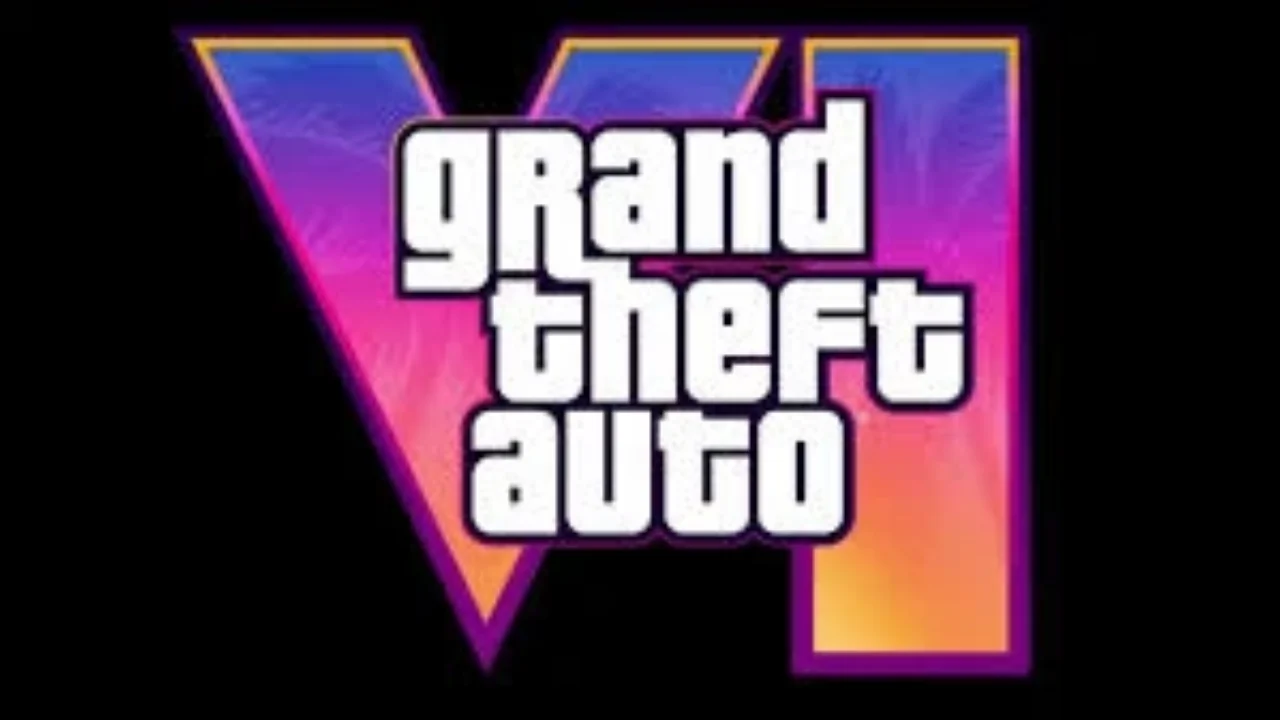
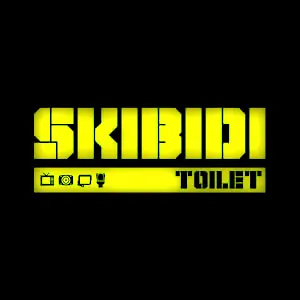
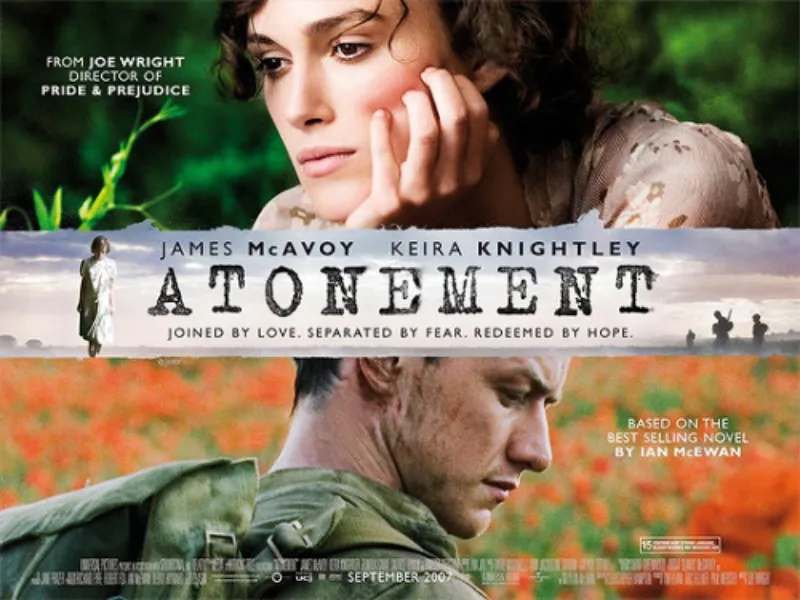
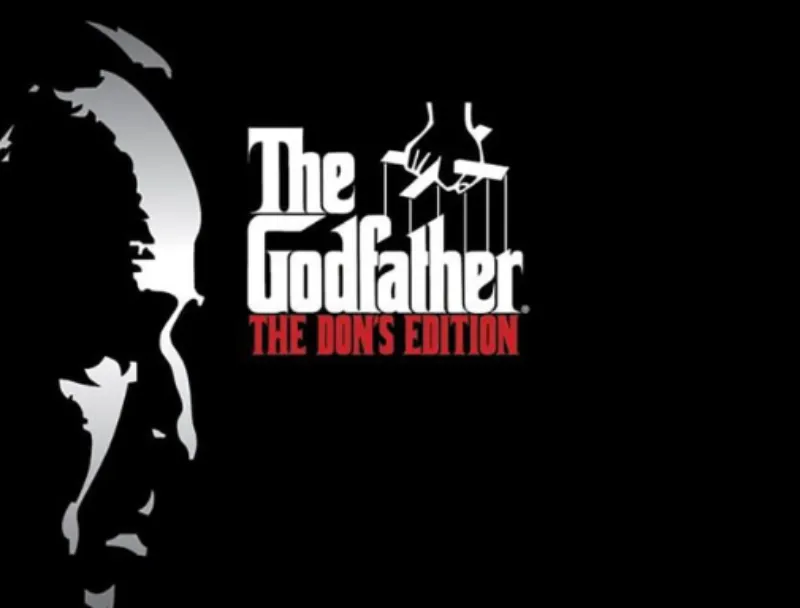
Bitrate font is an attractive Sans Serif font style, motivated by modern business and also advanced industries, designed by RaisProject. The font was handcrafted for any of your special projects. Bitrate Font style includes a complete set of gorgeous uppercase and lowercase letters, numerals, and Multi-languages characters. The typeface additionally comes with imaginative ligatures to make it look truly great as well as unique.
Usage
It is possible to use this gorgeous typography for a variety of functions like headlines, promotions, events, branding, advertising, magazines, signage, invitations, stationery, social media posts, labels, or any projects that need a unique strong style. This typeface is also perfect for Automotive, Apps, cosmetics, Beauty, Technology, Games, Music, Sports, etc.
It is a freeware font. Free Download is available for Bitrate font.
Font View
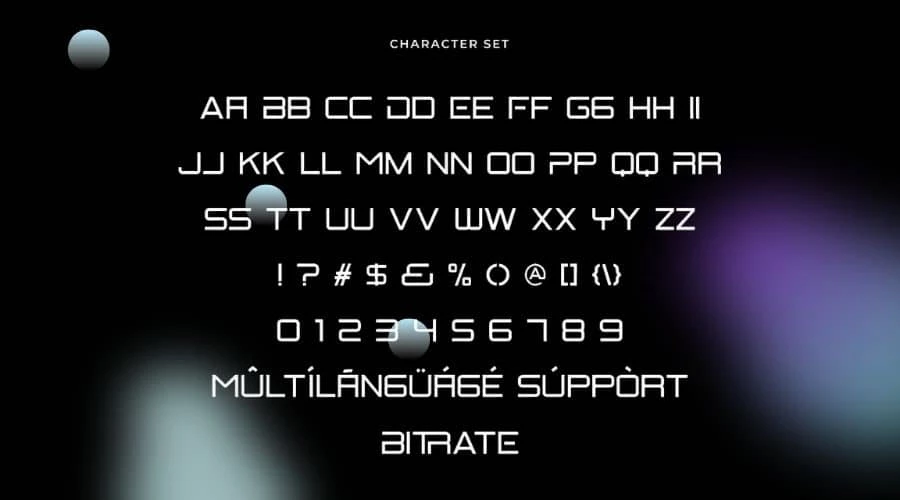
Bitrate Font Generator
Bitrate Font Download Free Generator
Preview and download fonts
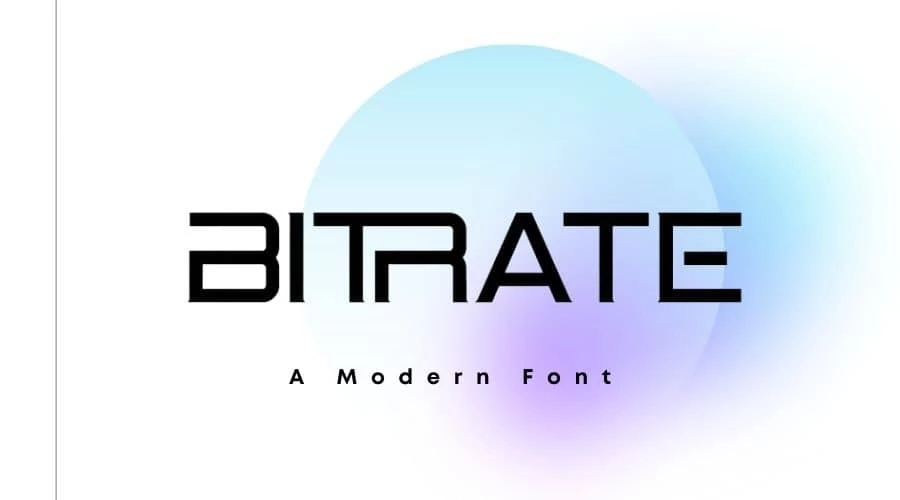
BitrateDemoRegular | Creator demo file
Download
If you are looking for the free version of Bitrate Font here it is. The download link is ready. Click the download link below and you will get the font immediately at no cost.
License Information
Bitrate Font is free for personal use and is licensed as “freeware”. But if you need this font for commercial uses like- websites, games, ebooks, etc. you need to buy a commercial license from the link below.
FAQs
Ans: Yes, It is 100% safe to download for both PC and MAC.
Ans: Yes, you can use the Bitrate on the online platform.
Ans: Check the PC or Mac instructions link to install Bitrate on your computer.
Bitrate demo, full product, and intended use
Bitrate is a futuristic display design by RaisProject with wide, engineered shapes suited to short technology, automotive, game, and interface-inspired headlines. The stored filename identifies itself as a demo, which matters: a demo can have fewer characters or narrower permissions than the paid product even when the preview looks identical for basic Latin text.
RaisProject’s Bitrate product page is the most direct source recorded for the family. Check that page and the readme supplied with your copy for current formats, character coverage, and usage rights. This article does not treat the demo as a blanket commercial license and does not imply that access to the file transfers ownership.
Use the live preview for short uppercase names first. Test the digits if the design includes model numbers, dates, prices, or scores, and inspect spacing around wide letters such as M and W. Bitrate is a display voice rather than a body-text workhorse, so pair it with a readable sans serif for supporting copy and interface labels.
Practical review checklist
- Treat the TTF as a demo unless the supplied license says otherwise.
- Compare the demo’s glyph set with the current paid product.
- Check spacing in the exact uppercase phrase you will publish.
- Keep creator and license documentation with the project files.
You can also browse the techno font collection or test a more neutral supporting face such as Roboto.
Test the type before you use it
Compare the stored files side by side with Compare Fonts, make a transparent PNG, WebP, or SVG in the Font Generator & Logo Text Studio, and inspect names, glyph coverage, and embedding flags with the Font License & Health Checker. Tool output helps with technical review, but the license or readme supplied by the creator remains the authority for permission.

I am part of the Free Fonts Vault team, dedicated to providing you with the best experience in finding free fonts for your needs. Our team works together to ensure that we offer well-researched information on free fonts or similar alternatives. If you have any queries, please do not hesitate to contact us through our Contact page. Note: We called ourselves “The A team”.