Font Directory
Racleys Bold
Racleys Bold includes 1 downloadable variant for live preview and testing.
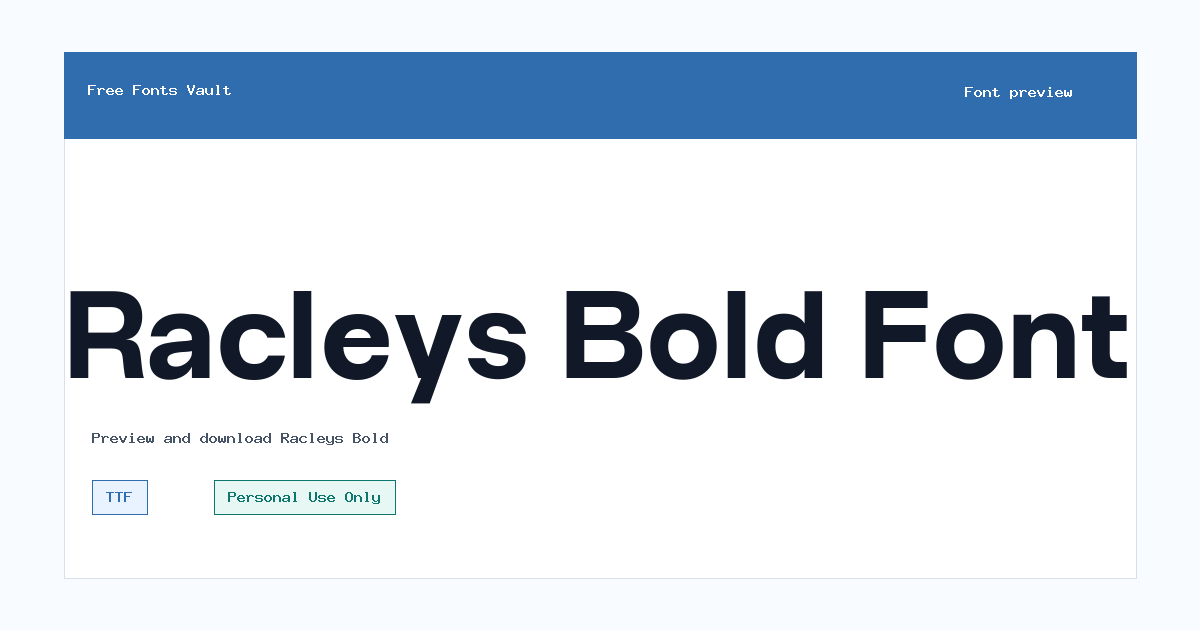
Font Specimen
Details
- Designer Glyphminds Studio (Graphicted.Co)
- License Personal use only
- Format TTF
- Variants 1 file available
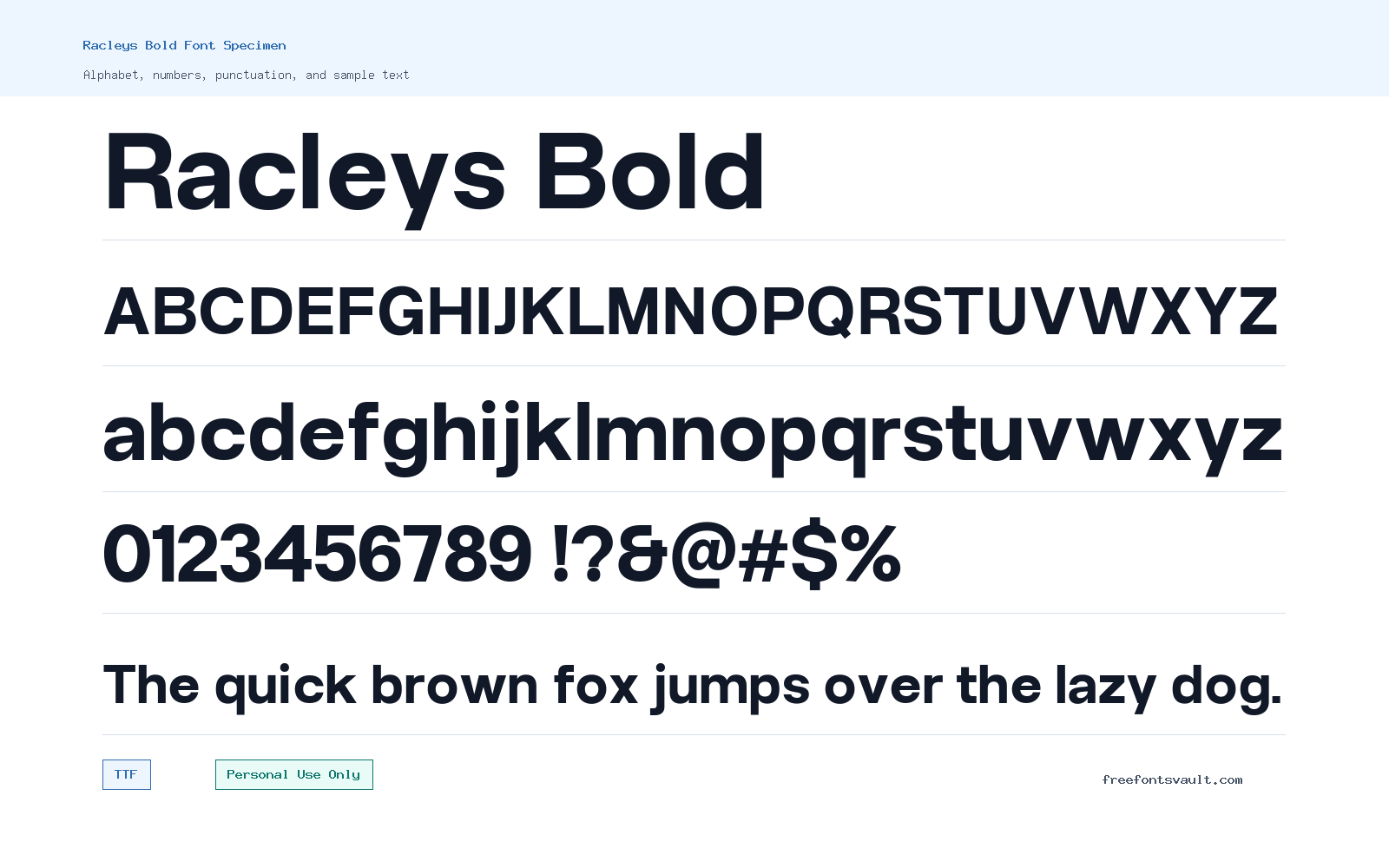
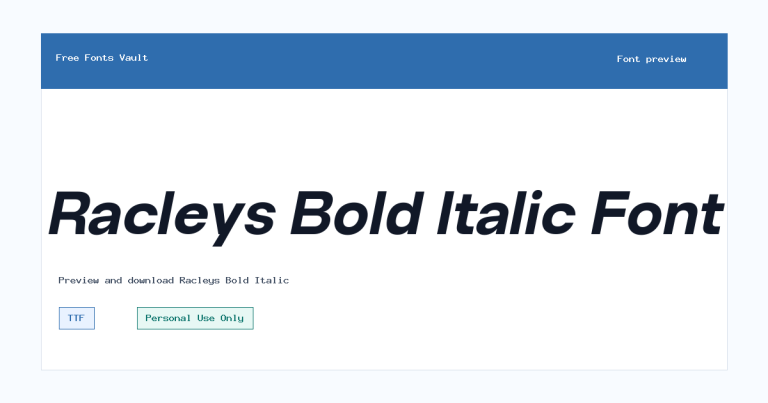
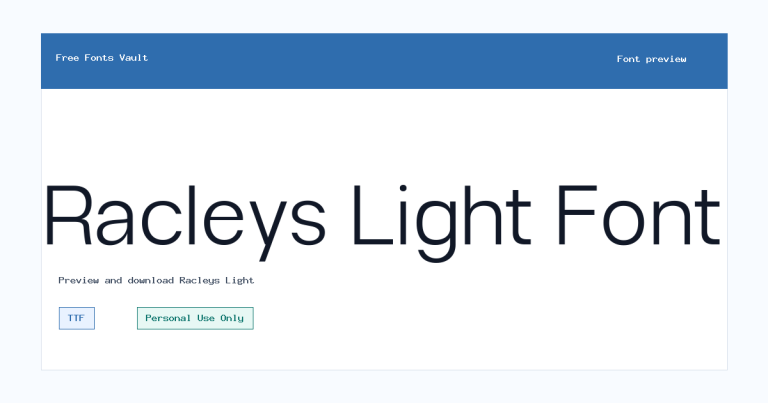
Racleys Bold font.
Racleys Bold is a strong sans serif font with a heavy 700-weight style, made for designs that need clear impact in a short line of text. It is best approached as a display font for personal projects, mockups, and preview testing rather than long-form reading.
About Racleys Bold
Racleys Bold gives you a thick, confident sans serif look in a TTF file. Its bold weight makes it useful when the text needs to stand out quickly, especially in headings, poster titles, cover graphics, social media artwork, and logo experiments. Because the available style is bold only, it works best when used with purpose: one phrase, one headline, one strong label, or a short brand-style wordmark test. It is not the kind of font you would normally choose for dense paragraphs, small captions, or long body copy, where a lighter and more neutral companion font will usually read better.
For design work, start by testing Racleys Bold in the preview tool with the exact words you plan to use. Bold sans serif fonts can look very different depending on letter shapes, spacing, and the mix of uppercase and lowercase characters. Try your project name, a short headline, numbers, and any punctuation you expect to use. If you are exploring logo work, check how the font behaves at both large and small sizes, and test it in black, white, and one brand color. For posters or web mockups, use it as the main attention-grabbing type layer, then pair it with a simpler sans serif for descriptions, buttons, navigation, or supporting text.
Racleys Bold can be a practical choice for personal concept designs where you need a direct, modern headline style without decorative complexity. It should suit short-text layouts such as event poster drafts, thumbnail titles, apparel mockups, quote graphics, banner text, and portfolio experiments. The bold weight can help create hierarchy, but it can also feel too heavy if every text element uses the same style. Leave enough spacing around headlines, avoid crowding it with multiple competing fonts, and keep supporting copy lighter so the design has contrast.
When pairing Racleys Bold, look for a clean regular-weight sans serif or a readable serif that does not fight for attention. A neutral sans serif can keep a web layout or presentation mockup easy to scan, while a restrained serif can add contrast in editorial-style designs. Avoid pairing it with another very bold or highly stylized display font unless the layout is intentionally loud, because two strong typefaces can make a design feel cluttered. If your design includes paragraphs, choose a separate body font with good readability at small sizes.
The license note is important: Racleys Bold is marked as Personal Use Only. That means it is appropriate for personal testing, learning, drafts, and non-commercial design previews, but you should not use it for client work, paid products, brand assets, merchandise, advertising, or commercial websites unless you obtain the proper commercial permission from the rights holder. If you are preparing a logo, product packaging, app interface, or business campaign, treat this download as a preview and confirm the license terms first.
Features
- Bold 700-weight sans serif style for strong headlines and short display text.
- TTF font format, suitable for testing in common desktop design apps and many preview tools.
- Best used at medium to large sizes where the heavy letterforms can stay clear.
- Single available style, which makes it simple to test but less flexible for full typography systems.
- Works well as a focal type choice when paired with a quieter body or supporting font.
Best Uses
- Poster titles and event graphics
- Logo concepts and wordmark mockups
- Social media thumbnails and quote images
- Website hero headings and landing page mockups
- Personal branding experiments
- Apparel, sticker, and cover design drafts
- Presentation covers and bold section headers
License Information
Racleys Bold is marked as Personal Use Only. Use it for personal projects, previews, and non-commercial design testing. For commercial work, client projects, logos, merchandise, advertising, or business use, get the correct commercial license or written permission from the rights holder first.
Designer and Foundry
The designer is listed as Glyphminds Studio (Graphicted.Co). The designer URL is listed as http://Graphicted.Co.
Usage Tips
Use Racleys Bold for short, high-impact text rather than long paragraphs. Test your exact wording in the preview, check spacing at the size you plan to use, and pair it with a simpler font for body copy or supporting details. For logos and web mockups, preview it in different sizes and colors before deciding whether it fits the project.
FAQ
Is Racleys Bold free for commercial use?
No commercial-use permission is stated. The font is marked Personal Use Only, so commercial projects need a proper commercial license or permission from the rights holder.
What type of font is Racleys Bold?
Racleys Bold is a bold sans serif font. The available file is a TTF font with a 700-weight style.
What is Racleys Bold best used for?
It is best for short display text such as poster titles, logo concepts, social media graphics, web hero headings, and personal design mockups.
Can I use Racleys Bold for a logo?
You can test it in personal logo concepts, but a real business, client, or commercial logo would require the correct commercial license or permission.
Is Racleys Bold good for body text?
It is better for headlines and short phrases. For paragraphs, pair it with a lighter, more readable font.
What file format is available?
The available font file is in TTF format.
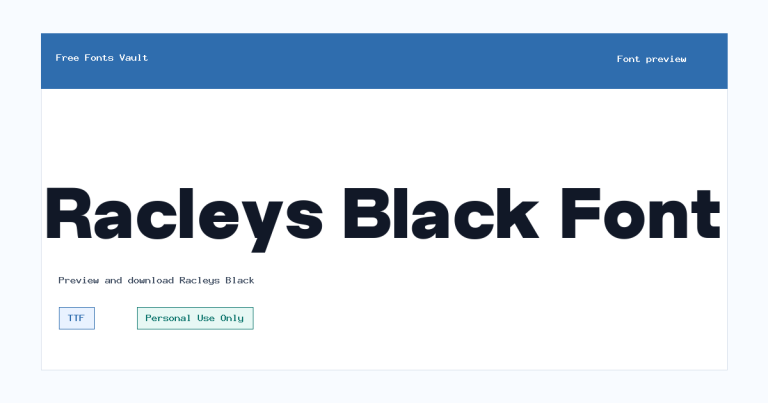
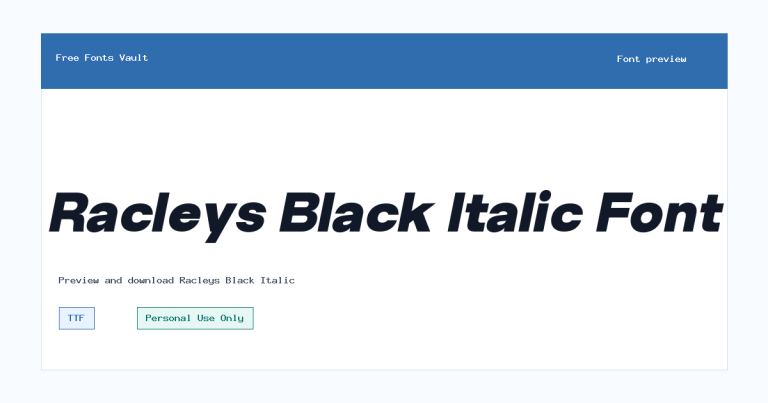
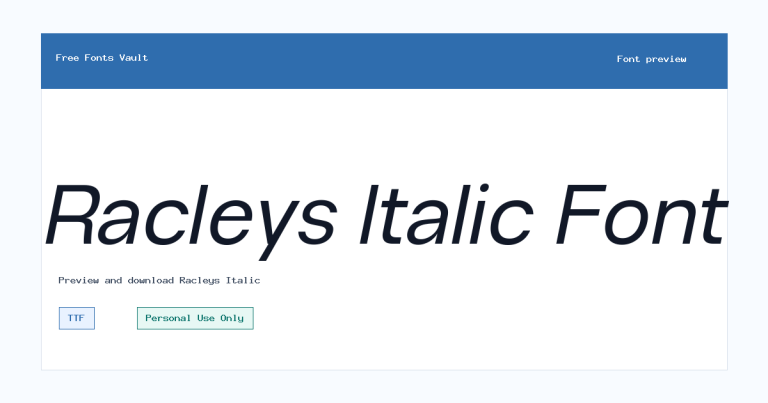
Family Styles
Want to browse beyond this family? Return to All Fonts for the main directory.