Font Directory
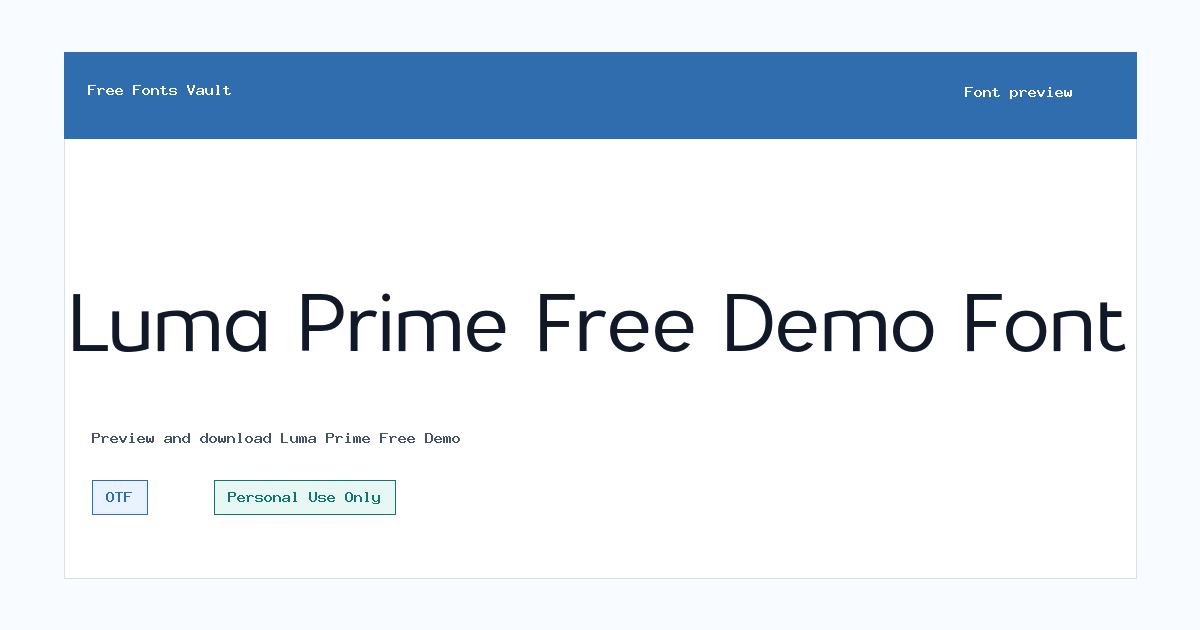
Luma Prime Free Demo
Luma Prime Free Demo includes 1 downloadable variant for live preview and testing.
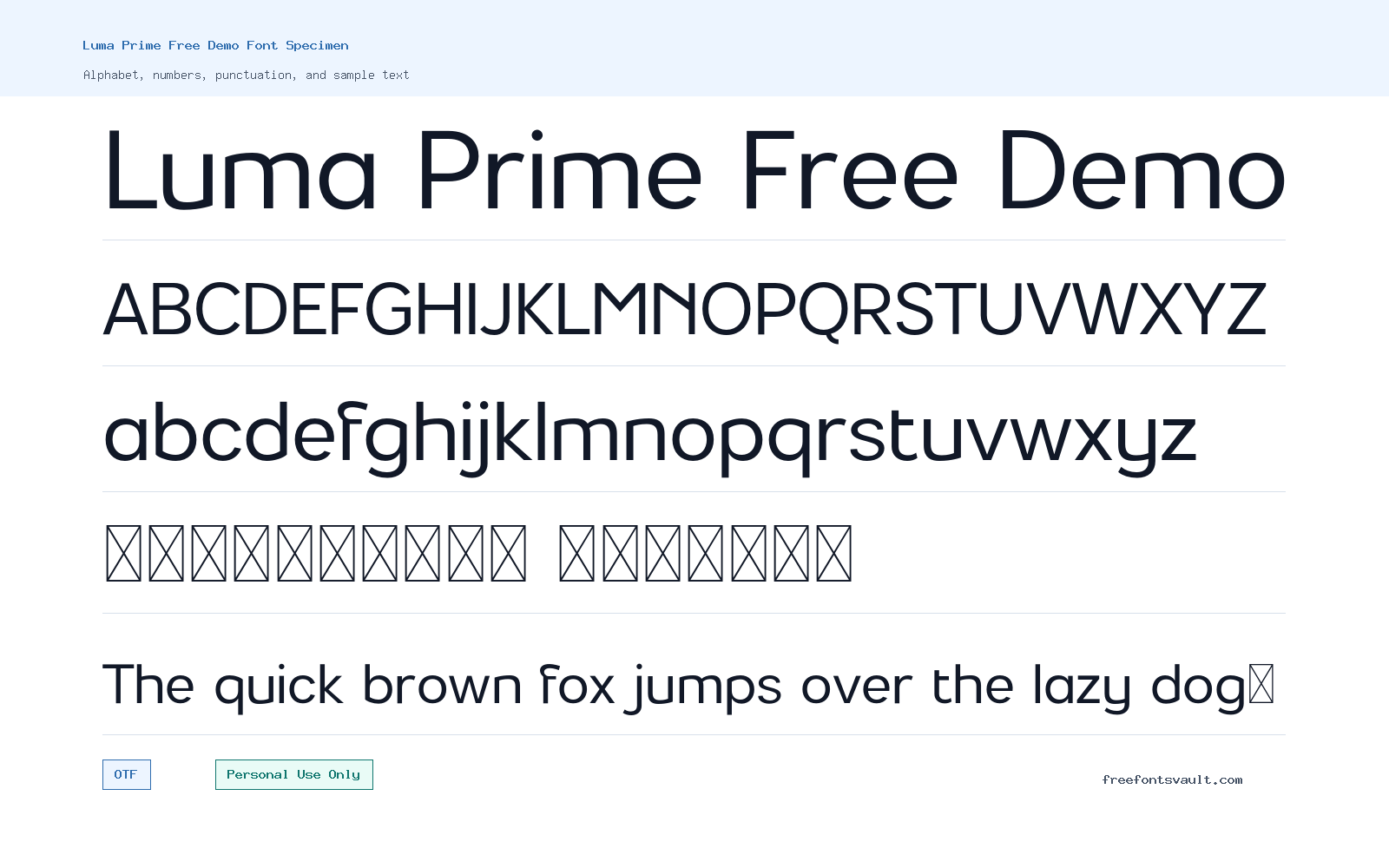
Font Specimen
Details
- Designer VPfonts
- License Personal use only
- Format OTF
- Variants 1 file available
Luma Prime Free Demo font.
Luma Prime Free Demo is a personal-use demo font from VPfonts. It comes as an OTF file in a regular style, making it useful for trying out clean sans serif lettering in previews, concept layouts, and non-commercial design drafts.
About Luma Prime Free Demo
Luma Prime Free Demo is best approached as a testable sans serif display option rather than a complete commercial font package. The available file is an OpenType font in a regular 400 weight, so visitors can use the preview tool to check how the letter shapes, spacing, and proportions behave before downloading. Because the available style is regular only, it is most useful when you need one consistent voice for headings, short labels, logo drafts, poster text, or presentation mockups. If your design needs bold, italic, condensed, or extended styles, check whether the full family exists from the designer before building a larger visual system around this demo.
For practical design work, start by testing the font with the exact words you plan to use. Sans serif fonts can change character quickly depending on spacing, capitalization, and size. Try your brand name in uppercase, title case, and lowercase. Then test a few short phrases, numbers, punctuation, and common letter pairs such as AV, To, Wa, and LY. This is especially useful for logo work, posters, thumbnails, packaging concepts, and web mockups where a few letters may carry most of the visual identity. If the font feels too tight or too open in your layout, adjust tracking before deciding whether it fits the project.
Luma Prime Free Demo can work well in early-stage design exploration because a single regular OTF file is easy to install and test across common design apps. Use it for personal drafts, mood boards, social graphics, portfolio experiments, and layout studies where you want a clean sans serif direction without committing to a final type system. For longer reading text, test carefully at paragraph sizes. A font that looks strong in a headline may not always be comfortable in body copy, small captions, navigation menus, or dense interface screens. Check readability on both light and dark backgrounds, and preview it at the smallest size your project may require.
For pairing, keep the supporting type simple. If Luma Prime Free Demo is used for the main heading or logo draft, pair it with a neutral serif or a straightforward humanist sans serif for body text. Avoid pairing it with another strong display font unless the layout is very short and controlled. In posters or web mockups, give the font enough space around it so the lettering can stand on its own. For logo concepts, test the font in black and white first before adding color, gradients, shadows, or texture. That makes it easier to judge the basic shape, balance, and spacing of the wordmark.
Features
- OpenType font format for use in many desktop design applications.
- Regular 400 style, suitable for straightforward previews, mockups, and short text tests.
- Sans serif demo font intended for personal-use design exploration.
- Single-style setup that is easy to install, compare, and remove after testing.
- Useful for checking headline, logo, poster, and web mockup text before choosing a final licensed font.
Best Uses
- Personal logo drafts and wordmark experiments.
- Poster titles, social media graphics, and thumbnail text tests.
- Website and app mockups where a clean sans serif direction is being explored.
- Presentation slides, mood boards, and non-commercial concept layouts.
- Short headings, labels, and display text rather than long paragraphs.
License Information
The listed license is Personal Use Only. Use Luma Prime Free Demo for personal projects, private testing, and non-commercial mockups. Do not use it in client work, paid products, business branding, advertising, merchandise, apps, websites, or other commercial projects unless you confirm and obtain the proper commercial license from the rights holder.
Designer and Foundry
The designer is listed as VPfonts. No foundry name or designer website is listed for this font entry.
Usage Tips
Install the OTF file, type your actual project wording, and test it at several sizes before using it in a layout. For logos and posters, check uppercase, lowercase, numbers, and punctuation. For web mockups, test headings and navigation labels separately from body text, since only a regular style is listed. Keep license limits in mind while testing: personal exploration is different from publishing a commercial design.
FAQ
Is Luma Prime Free Demo free for commercial use?
No. The listed license is Personal Use Only, so it should not be used commercially unless you obtain a separate commercial license from the rights holder.
What file format does Luma Prime Free Demo use?
The available font file is in OTF format, which is commonly supported by desktop design software and operating systems.
Who designed Luma Prime Free Demo?
The designer is listed as VPfonts.
Can I use this font for a logo?
You can use it for personal logo drafts and private concept testing. For a real business logo, client logo, product mark, or commercial brand identity, confirm and obtain the proper commercial license first.
Is this a complete font family?
Only one regular 400 OTF variant is listed for this download. If you need bold, italic, multiple weights, or wider language support, check for the full version from the designer.
What should I test before downloading or using it?
Preview your exact wording, including uppercase, lowercase, numbers, and punctuation. Also test spacing, small sizes, and contrast on the background color you plan to use.
Is it good for body text?
It may work for short text, but test carefully before using it in long paragraphs. A single regular demo style is usually easier to judge in headings, labels, posters, and mockups.
Similar Fonts
Want to browse beyond this family? Return to All Fonts for the main directory.