Font Directory
Gillune Black
Gillune Black includes 2 downloadable variants for live preview and testing.
Styles in this family
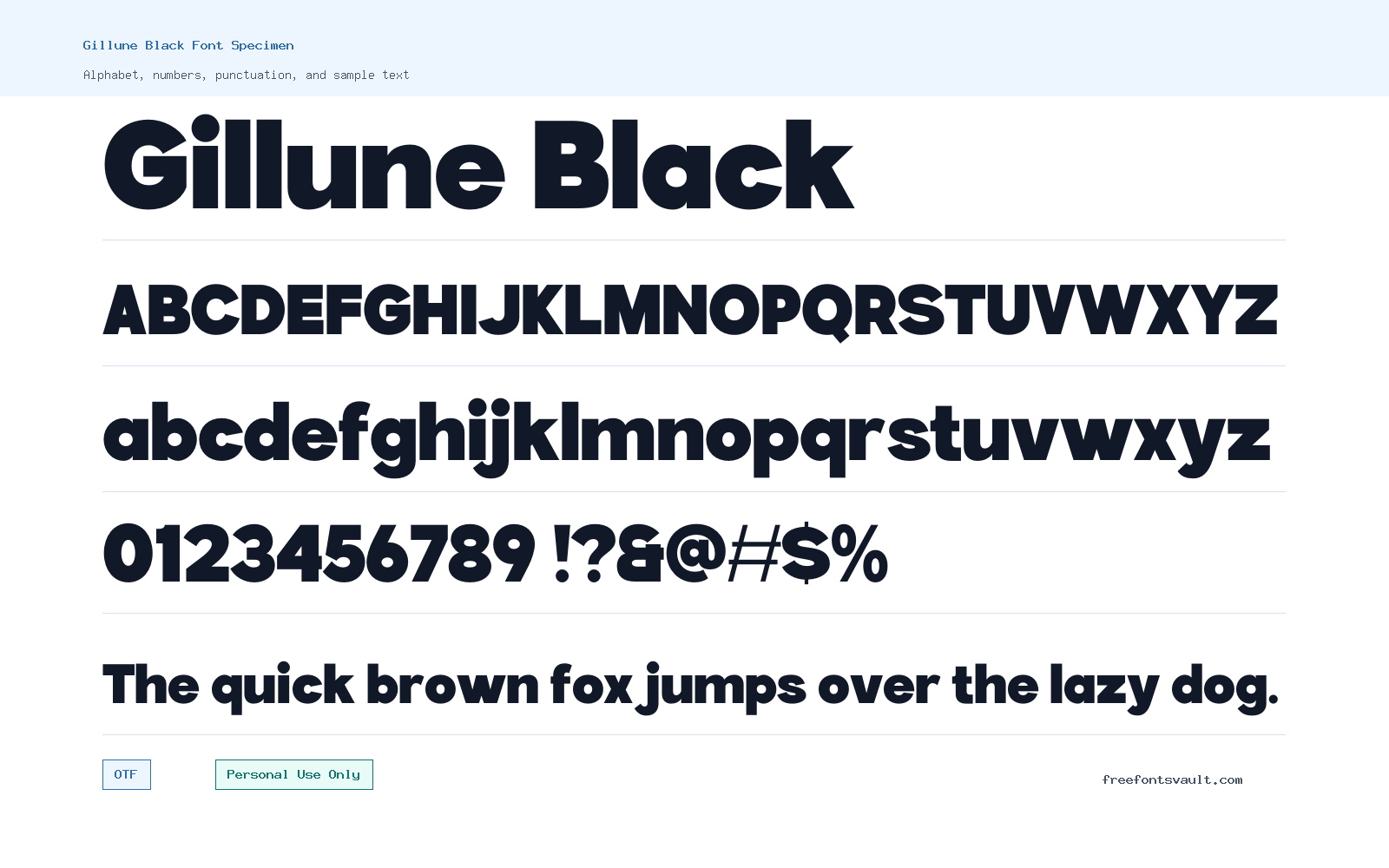
Font Specimen
Details
- Designer Casloop Team
- Foundry Casloop Studio
- License Personal use only
- Format OTF
- Variants 2 files available
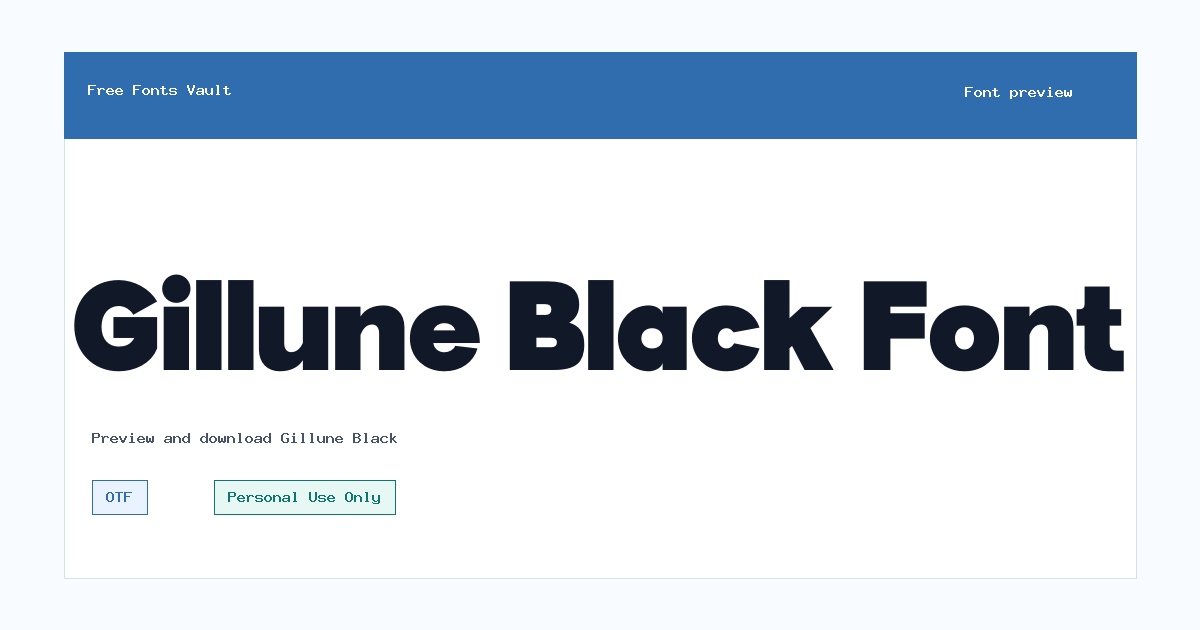
Gillune Black font.
Gillune Black is a heavy sans serif font made for bold display work, with both upright and italic OTF styles included for personal-use projects.
About Gillune Black
Gillune Black has the kind of strong weight that suits short, high-impact text. The 900 weight gives words a dense, confident presence, so it works best when the message is brief: a logo concept, a poster headline, a YouTube thumbnail title, a social graphic, a banner, or a large website hero mockup. Because the font is supplied in both normal and italic styles, you can create a simple contrast inside the same design without changing families. Use the upright style when you want a more stable headline, and use the italic style when the wording needs extra movement or emphasis.
This is not the best choice for long paragraphs or small interface text. Heavy display fonts can lose clarity when squeezed into tight spaces, especially on mobile screens or low-resolution previews. Before downloading, try your actual words in the preview tool and test them in uppercase, title case, and short sentence case. Pay attention to tight letter pairs, long brand names, and numbers. For logo sketches and poster layouts, leave enough spacing around the text so the black weight can breathe. For web mockups, Gillune Black can work well as a headline face, but it should be paired with a quieter body font for menus, descriptions, and longer reading.
Designers can use Gillune Black for personal concept work where a bold sans serif voice is needed. It can help when building moodboards, personal branding studies, typography posters, apparel mockups, presentation covers, or display-first landing page drafts. The italic style is useful for secondary emphasis, short callouts, angled title treatments, or alternate logo lockups. Keep the overall composition simple: a heavy font already carries a lot of visual weight, so too many effects, outlines, shadows, or competing typefaces can make the design feel crowded.
For pairing, start with a clean regular-weight sans serif or a readable serif that does not fight the headline. A light or regular sans serif can handle descriptions, captions, and navigation while Gillune Black stays focused on the main message. If you pair it with another bold display font, the layout may lose hierarchy. A good rule is to let Gillune Black be the loudest type element, then keep supporting text smaller, simpler, and more spaced out. This makes posters, thumbnails, and web mockups easier to scan.
Features
- Heavy 900-weight sans serif style suited to short display text
- Includes upright and italic OTF font files
- Works well for strong headlines, poster titles, logo concepts, and social graphics
- Italic style adds emphasis without switching to a different font family
- Best used at larger sizes where the bold weight stays clear
Best Uses
- Logo concepts and personal branding drafts
- Posters, flyers, and event-style headline layouts
- Website hero sections and landing page mockups
- YouTube thumbnails, social media graphics, and banner titles
- Apparel mockups, stickers, and bold typographic compositions
- Short callouts where the italic style can add motion or contrast
License Information
Gillune Black is marked as Personal Use Only. Use it for personal projects, previews, school work, non-commercial mockups, and private design tests unless you have a separate commercial license. Do not assume it is cleared for client work, paid products, advertising, merchandise, apps, websites, logos for a business, or any other commercial use without confirming the license terms from the rights holder.
Designer and Foundry
Gillune Black is credited to Casloop Team, with Casloop Studio listed as the foundry. The designer website is Casloop’s official site: https://casloop.net/.
Usage Tips
Use Gillune Black as a display font rather than a reading font. Keep headlines short, check spacing in the preview, and pair it with a simpler text face for body copy. For logo work, test the exact brand name in both upright and italic styles, then review the result at small sizes before choosing it. For posters and web mockups, give the letters enough room and avoid stacking too many decorative effects on top of the heavy weight.
FAQ
Is Gillune Black free for commercial use?
No commercial-use permission is stated. The license is marked Personal Use Only, so you should treat it as personal-use font unless you obtain a separate commercial license.
What font files are included?
Gillune Black includes OTF files for a normal style and an italic style, both listed at 900 weight.
What is Gillune Black best used for?
It is best for short display text such as logo concepts, poster headlines, social graphics, thumbnails, banners, and web hero mockups.
Can I use Gillune Black for body text?
It is not ideal for long body text. The heavy weight is easier to use in large headlines and short phrases, while a simpler font should handle paragraphs and small labels.
Does Gillune Black include an italic style?
Yes. The family includes a Gillune Black italic OTF file, which can be used for emphasis or alternate display treatments.
Who designed Gillune Black?
The font is credited to Casloop Team, with Casloop Studio listed as the foundry.
What should I check before using it in a logo?
Preview the exact name, check spacing between letters, test it at small sizes, and confirm the license if the logo is for a business, client, product, or paid project.
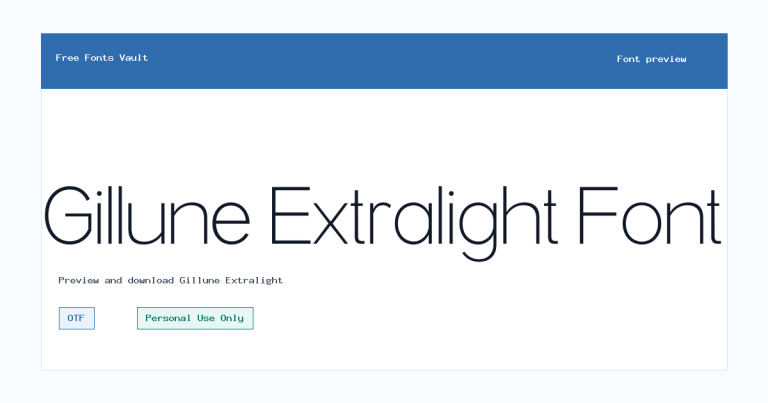
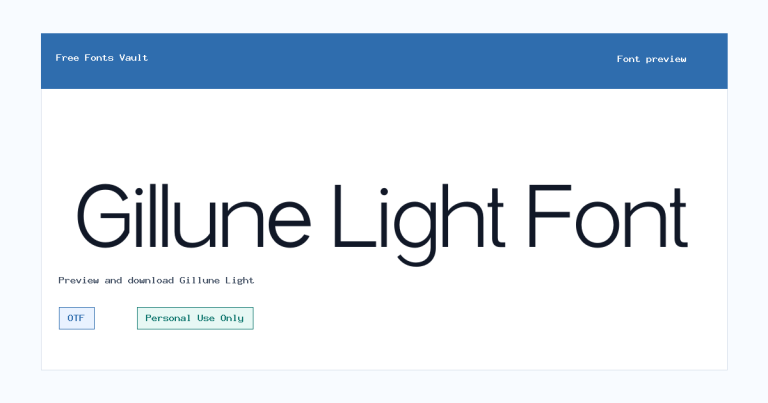
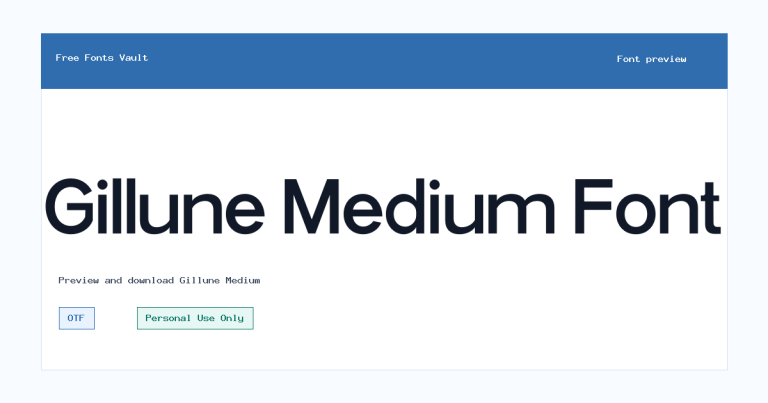
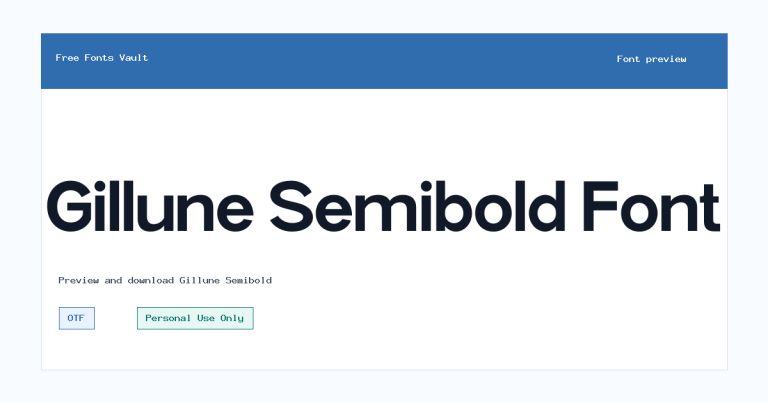
Family Styles
Want to browse beyond this family? Return to All Fonts for the main directory.