Font Directory
GC Arbiter Demo
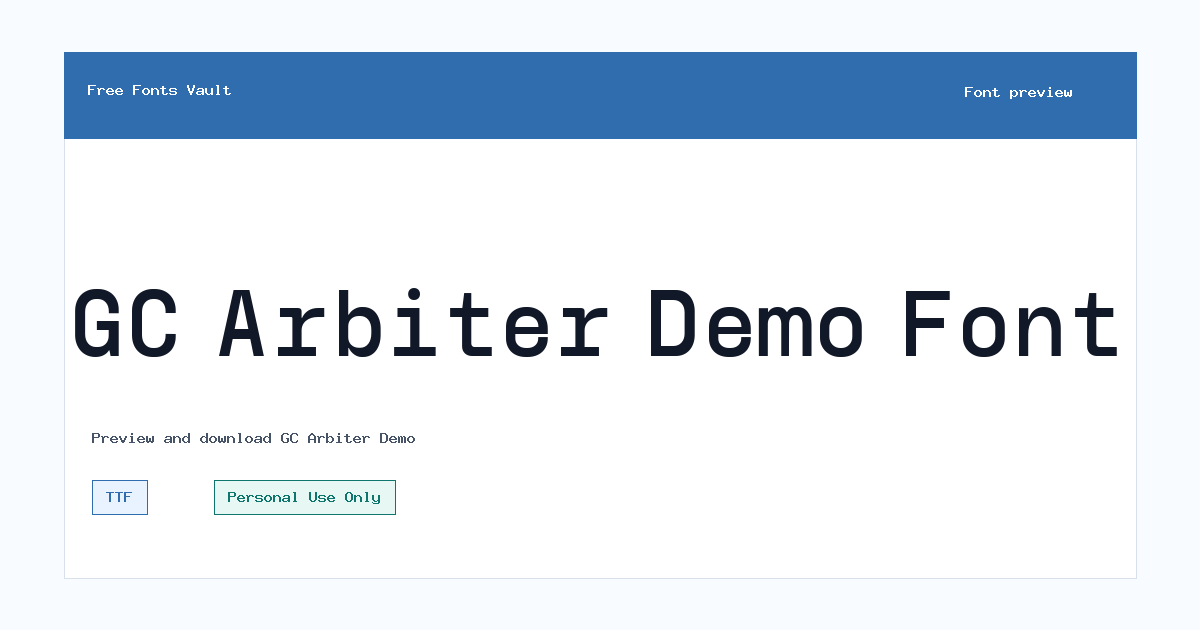
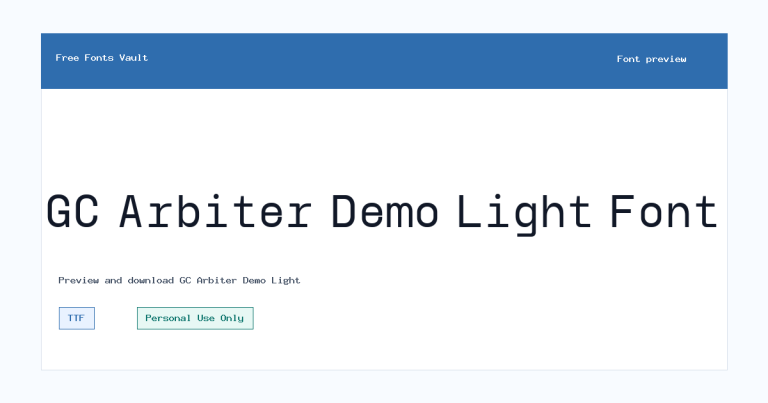
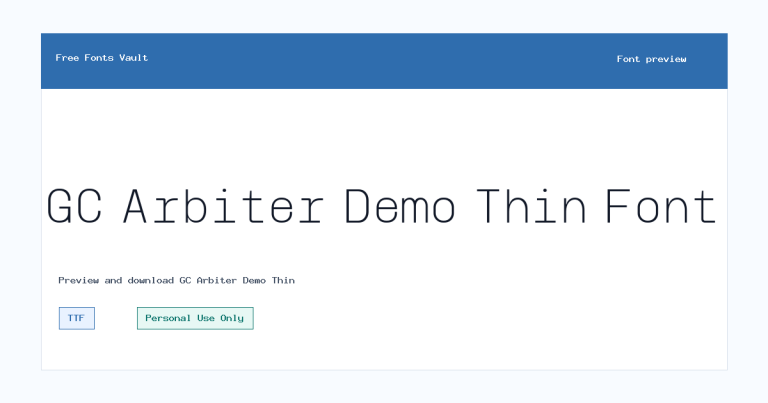
GC Arbiter Demo includes 2 downloadable variants for live preview and testing.
Styles in this family
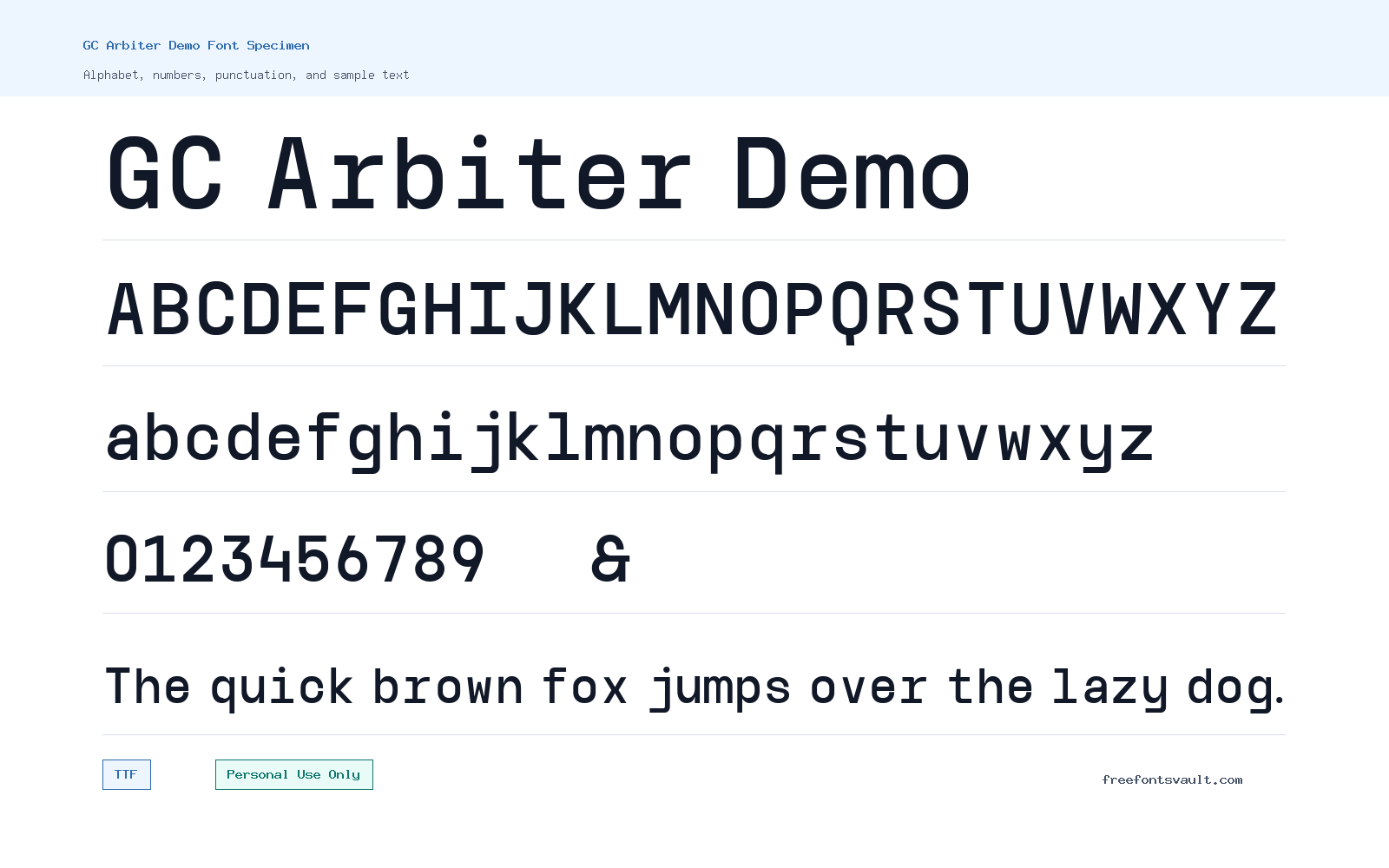
Font Specimen
Details
- Designer Achmad Akbar Afiansyah of Glyphonic
- Foundry Glyphonic
- License Personal use only
- Downloads 2
- Format TTF
- Variants 2 files available
GC Arbiter Demo font.
GC Arbiter Demo is a sans serif font family by Achmad Akbar Afiansyah of Glyphonic. It comes in Regular and Bold TTF styles, making it useful for trying out clean display text, headings, poster layouts, and early brand mockups before choosing a final licensed font.
About GC Arbiter Demo
GC Arbiter Demo has the practical feel of a modern sans serif: clear letter shapes, straightforward proportions, and enough weight contrast between Regular and Bold to build simple hierarchy. The Regular style works well for short descriptions, labels, captions, interface mockups, and supporting text, while the Bold style is better suited to titles, section headers, posters, thumbnails, and larger display settings. Because the available files are demo styles, it is best to treat the family as a preview and testing option rather than a confirmed production font for paid client work.
For design use, start by testing the font in the preview tool with the exact words you plan to use. Sans serif fonts can look very different depending on the wording, spacing, and size, so check uppercase headlines, mixed-case names, numbers, punctuation, and any brand-specific phrases. GC Arbiter Demo is a sensible choice for logo concepts, social graphics, event posters, web page mockups, app screens, packaging drafts, and presentation titles when you want a clean sans serif look without heavy decoration. Keep body copy tests modest: the font can handle short paragraphs in mockups, but you should still check readability at small sizes before using it for long reading passages.
The Regular and Bold styles give you a simple two-level system. Use Regular for supporting copy and Bold for emphasis, calls to action, headings, and short standout words. If a layout feels too plain, try pairing GC Arbiter Demo with a serif font for editorial contrast or a softer humanist sans serif for longer text. Avoid pairing it with another very similar geometric or neutral sans serif unless the difference is intentional; two close sans serif families can make a design look inconsistent rather than layered. For logo work, test wider tracking, tighter tracking, and single-word compositions, but remember that a demo font may not be licensed for final commercial marks.
The font files are in TTF format, a common desktop font format supported by most design apps. After downloading, you can install the styles on your computer and test them in tools such as Photoshop, Illustrator, Figma, Canva, Affinity Designer, or word-processing software that supports installed fonts. If you are preparing web mockups, use the font for visual testing only unless you have confirmed the correct webfont license from the rights holder. A personal-use label means the safest path is to use it for personal experiments, school projects, private drafts, and non-commercial previews unless a separate commercial license says otherwise.
Features
- Sans serif demo family with a clean, direct appearance for short text and display testing.
- Includes Regular and Bold TTF styles for basic hierarchy in headings, labels, mockups, and posters.
- Works well for previewing logo concepts, web layouts, social graphics, and presentation titles.
- Simple style range makes it easy to compare normal text and stronger emphasis without managing many weights.
- Best tested at the actual size and wording of the final design, especially for logos and small UI text.
Best Uses
- Logo concept sketches and early brand direction tests
- Poster titles, event graphics, and large headline layouts
- Website and app interface mockups
- Social media graphics, thumbnails, and presentation covers
- Short labels, navigation text, captions, and call-to-action text
- Personal projects, practice designs, and non-commercial drafts
License Information
The listed license is Personal Use Only. Use GC Arbiter Demo for personal, private, or non-commercial testing unless you obtain the proper commercial license from the designer or foundry. Do not assume it is free for client work, paid products, advertising, apps, merchandise, logos, or live websites.
Designer and Foundry
GC Arbiter Demo is credited to Achmad Akbar Afiansyah of Glyphonic. No designer website URL is listed.
Usage Tips
Install both TTF styles and test the exact words you plan to use before downloading for a project. Use Bold for headlines and emphasis, Regular for shorter supporting text, and check spacing carefully in logo drafts. For commercial projects, confirm licensing first rather than relying on the demo files.
FAQ
Is GC Arbiter Demo free for commercial use?
No. The listed license says Personal Use Only, so commercial use needs separate permission or a commercial license.
What styles are included with GC Arbiter Demo?
The family includes Regular and Bold styles in TTF format.
Can I use GC Arbiter Demo for a logo?
You can test it in logo concepts for personal or preview purposes, but final logo use for a business or client should wait until the correct commercial rights are confirmed.
Is this a good font for posters?
Yes, it is a practical option for testing poster headings, event titles, and bold display text, especially with the Bold style.
Can I use it on a website?
Use it in web mockups only unless you have a license that allows live website or webfont use.
What should I pair GC Arbiter Demo with?
Try a readable serif for editorial contrast or a softer sans serif for body text. Avoid pairing it with another very similar sans serif unless the difference is clearly visible.
What file format does the font use?
The listed font files are TTF files, which are commonly supported by desktop design and document software.
Family Styles
Want to browse beyond this family? Return to All Fonts for the main directory.